
 Farid
Farid
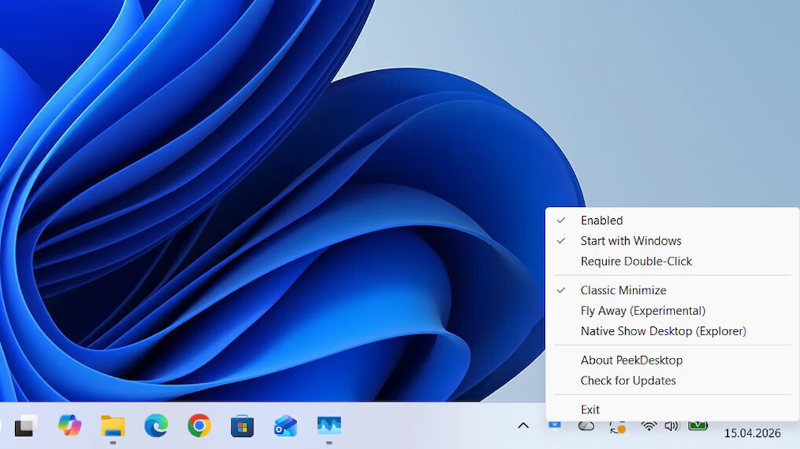
📋 QUICK INFO: File Size: 944 KiB | Language: English
How It Works
1. Click empty desktop wallpaper or empty taskbar area (not an icon or taskbar button) -> your desktop is revealed
2. Stay on the desktop -> click or drag icons, right-click, and rearrange things while windows stay hidden
3. Click any app, the taskbar, or empty wallpaper again -> all windows restore to exactly where they were
That’s it. It just works.
Requirements: Windows 10, 11
————————————*****————————————
💾 PeekDesktop V0.8.2 (1 MB)
🔗NitroFlare
https://nitroflare.com/view/C8D0E978308EE8C/PeekDesktop.V0.8.2.rar?referrer=1635666
🔗RapidGator
https://rapidgator.net/file/081110d58597415e91b5c7b671e76980/PeekDesktop.V0.8.2.rar



