
 Farid
Farid![Lost in Random (2021, Adventure) (1.1.1) [Portable]](https://i3.wp.com/i127.fastpic.org/big/2026/0412/f7/0f0968ef4ef6655c35991e627eac89f7.png?resize=400,225&ssl=1 "Lost in Random (2021, Adventure) (1.1.1) [Portable]")
[img]
![Lost in Random (2021, Adventure) (1.1.1) [Portable]](https://i127.fastpic.org/big/2026/0412/f7/0f0968ef4ef6655c35991e627eac89f7.png "Lost in Random (2021, Adventure) (1.1.1) [Portable]")
https://store.steampowered.com/app/1462570
Lost in Random
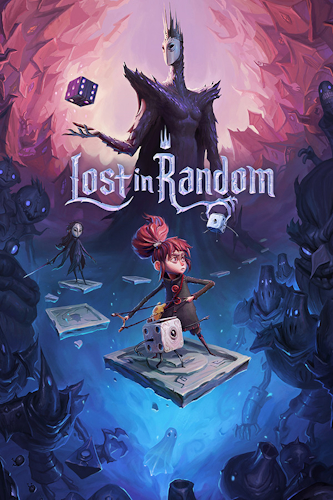
Release date : September 10, 2021
Genre : Action / Adventure / Indie
Developer : Zoink, Thunderful
Publisher : Electronic Arts
Source :
https://store.steampowered.com/app/1462570
Digital
Version : 1.1.1
Publication type : Unofficial
Release : Portable
Interface language : Ru*, En**, French, Italian, German, Spanish (Spain), Japanese
Voice-over language : En
Tablet : See the "Game Launch" spoiler.
*Drop the contents of the _rus folder into the game folder, confirming the file replacement
**in the main game directory in the anadius.cfg file , change the line Language=" en_US " to the language you need (don’t forget to save the file after changing it)
System requirements:
MINIMUM :
– A 64-bit processor and operating system are required.
– OS: Windows 10
– Processor: AMD FX 6100 / Intel i3 6300
: 8 GB- RAM
– Video card: Radeon R9 270X, Nvidia GTX 750, DirectX 12
– Disk space: 9 GB
Description:
Play Lost in Random, a gothic action adventure inspired by fairy tales where the fate of every inhabitant depends on the roll of the dice. Presence/absence of advertising :
Absent
Peculiarities
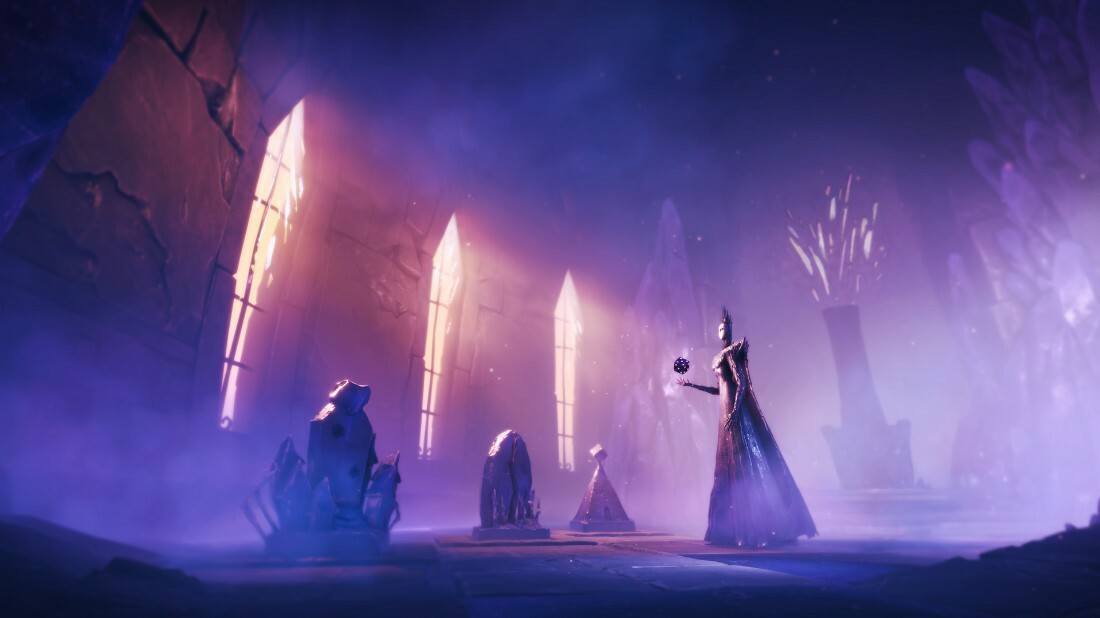
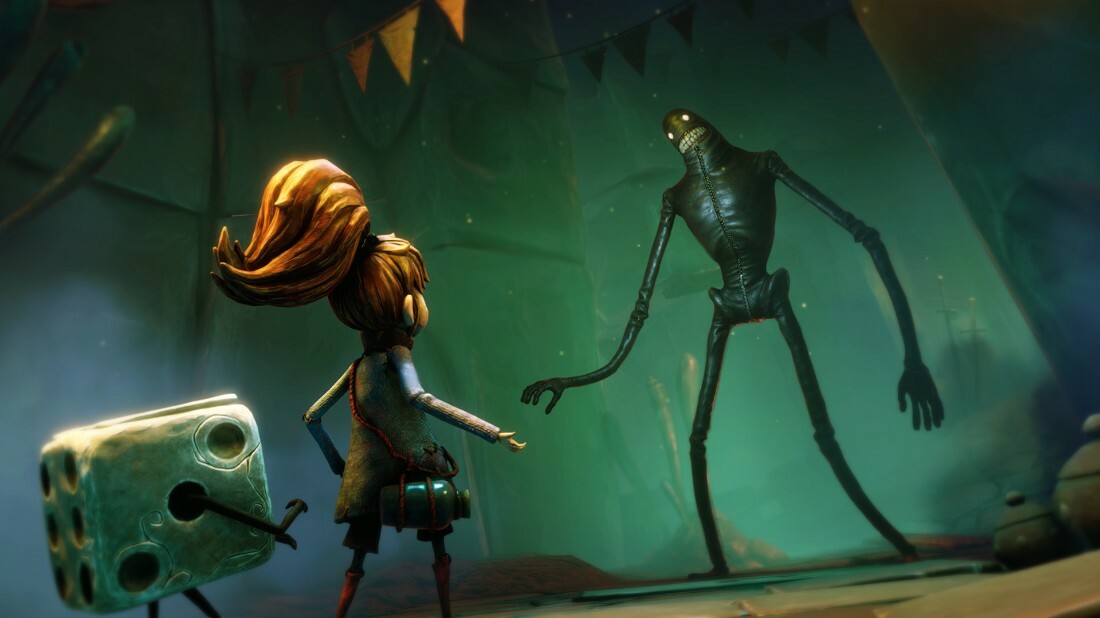
The Kingdom of Randomness is ruled by an evil queen. It is divided into six dark worlds where cursed dice dictate life. In this game, developed by the Swedish studio Zoink and Ryan North, the Eisner Award-winning author of Adventure Time and The Fabulous Squirrel Girl, you will help Even, a penniless girl, find her beloved sister. Together with her companion, Dicey, a tiny living dice, Even must embrace the chaos of Randomness and discover an ancient story with a message that is still relevant today.
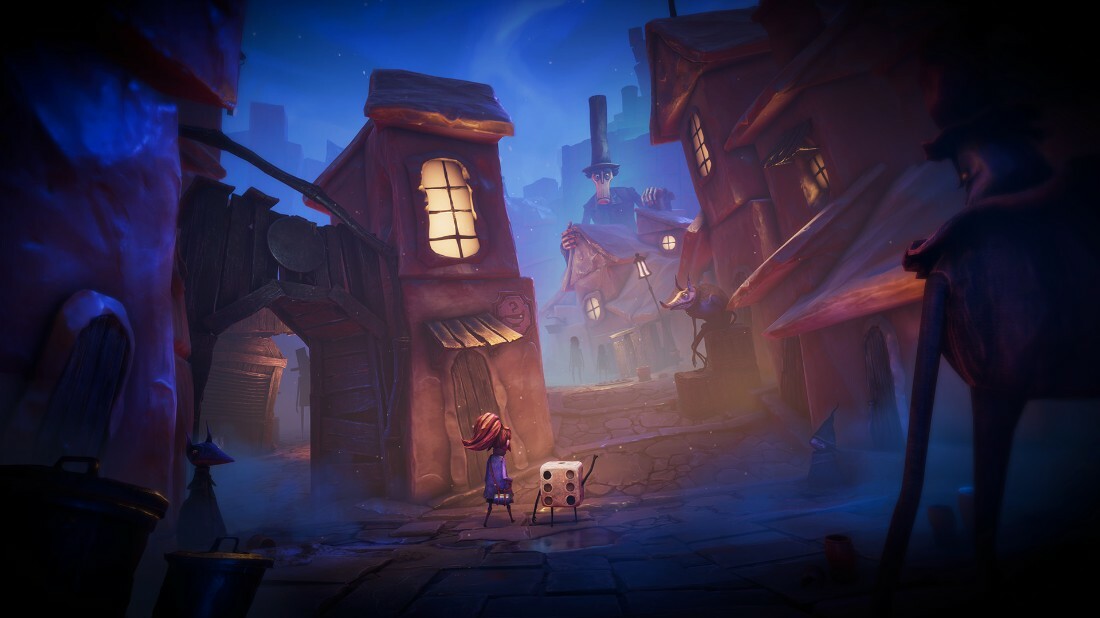
Wander the mysterious streets of Chance, meet the city’s unpredictable inhabitants, and prove your courage by completing challenging quests. Take part in terrifying battles that combine tactical combat, card collecting, and dice rolling. You’ll learn a lot or die fighting in gigantic board game-style arenas that change with every roll of the dice! Learn how to tip the scales in your favor and immerse yourself in a dark wonderland where only the brave survive.
Immerse yourself in a world of crazy fairy tales – Created by Ryan North, the Eisner Award-winning author of Adventure Time and The Amazing Squirrel Girl from Marvel Comics, this game invites you to a beautiful and terrifying wonderland. Here, you’ll embark on a journey through six twisted worlds of Randomness, each with its own rules. Help its unpredictable inhabitants, save your sister, and uncover a twisted story.
Roll the dice in epic tactical battles – Confront the unknown in unique battles that combine tactical combat and card collecting, and adapt your battle strategy on the fly across evolving board game arenas.
Defy fate, no matter what – Challenge cursed fate and harness the power of chance. Team up with your friend Dicey to test your luck and turn the tide of battle with a roll of the dice.
Take risks. Win.
Launching the game
1. Download to a convenient location (the main thing is that the path to the game folder does not contain Cyrillic characters)
2. Download the Lost.In.Random-DenuvOwO.rar archive (
https://wdfiles.ru/3wL78
)
https://rapidgator.net/file/13943393900dd767d82658d3f3b7c3a9/Lost.In.Random-DenuvOwO.rar.html
⚠️ WARNING: There are ads on the sites where the ^ file is located, be careful what you download 3. Read the instructions and launch the game. Copy the contents of the " DenuvOwO " folder to the game folder.
Hypervisor releases require disabling some security features.
To prepare the system for the hypervisor, run VBS.cmd as administrator.
Please read the displayed information carefully before proceeding.
(When you reboot the system, you need to disable driver signature verification)
Once you’re done playing, it’s highly recommended to revert your changes back.
(This is done the same way, through the VBS.cmd file, you just need to press the number "3")
The hypervisor driver source codes are located in the DenuvOwO_SRC_V4.rar archive .
This archive is intended for advanced users – you do not need to open or copy it.
Launch the game using the original .exe file (Lost In Random.exe, located in the game’s main directory). Administrator rights will be
requested automatically (if not already provided)
If autostart is disabled, you won’t need to run the game with administrator rights.
In this case, you need to create and manage the driver service as in the example below.
This information is intended for advanced users.
The specified driver files are located in the DenuvOwO\driver_amd or DenuvOwO\driver_intel folder , specify your path.
Use the following commands in a command prompt with administrator rights:
AMD:
sc create SimpleSvm type= kernel binPath= "C:\Users\Test\Desktop\SimpleSvm.sys" (< here is your path to the driver file, also in quotation marks)
sc start SimpleSvm
sc stop SimpleSvm [after exiting the game]
sc delete SimpleSvm
Intel:
sc create hyperkd type= kernel binPath= "C:\Users\Test\Desktop\hyperkd.sys" (< here is your path to the driver file, also in quotation marks)
sc start hyperkd
sc stop hyperkd [after exiting the game]
sc delete hyperkd
The Intel hypervisor (hyperdbg) uses additional files next to .sys,
so make sure they are in the same folder.
If you have BitLocker enabled , keep your recovery key handy as it can be critical.
The same goes for Windows Hello – have your usual login method ready.
⚠️ WARNING : Before using the hypervisor, make sure that all anti-cheat services,
which can run in the background (for example, Vanguard) are stopped. The DenuvOwO.nfo file contains the original instructions in En, if anyone needs them.

————————————*****————————————
⭐️ Lost in Random (2021, Adventure) (1.1.1) [Portable] ✅ (8.78 GB)
🔗DDownload
https://ddownload.com/8h3k5jnd19mu/Lost.In.Random-InsaneRamZes.part1.rar

https://ddownload.com/jr9ponxs2849/Lost.In.Random-InsaneRamZes.part2.rar

https://ddownload.com/vyz9ozir4cd1/Lost.In.Random-InsaneRamZes.part3.rar

https://ddownload.com/fpgn93qmrs1r/Lost.In.Random-InsaneRamZes.part4.rar
🔗RapidGator
https://rapidgator.net/file/33d28b058655851e6189efe8048fd024/Lost.In.Random-InsaneRamZes.part1.rar

https://rapidgator.net/file/7e11b1332c2be9cdba589618c90eca60/Lost.In.Random-InsaneRamZes.part2.rar

https://rapidgator.net/file/2758e3c879877e9d2ae88bb920a1e3ea/Lost.In.Random-InsaneRamZes.part3.rar

https://rapidgator.net/file/defc3846562f96d5f2e8483f80d782f5/Lost.In.Random-InsaneRamZes.part4.rar

![Cleaning Up! (2026 , Simulation) (22807790) [Portable]](https://i2.wp.com/images4.imagebam.com/54/26/ac/ME1C8LCH_o.png?resize=400,118&ssl=1 "Cleaning Up! (2026 , Simulation) (22807790) [Portable]")
![High Above (2026 , Simulation) (1.0.0.4) [Portable]](https://i2.wp.com/images4.imagebam.com/d7/ea/85/ME1C8LLK_o.png?resize=500,62&ssl=1 "High Above (2026 , Simulation) (1.0.0.4) [Portable]")


